



Artificial intelligence in CRM delivers the most measurable value where employees spend significant time processing information, handling repetitive tasks, and managing customer inquiries. For sales managers, this means drafting responses, reviewing communication history, prioritizing incoming requests, and planning next steps. For sales leaders, it means identifying pipeline issues, evaluating deal health, assessing team performance, and informing strategic decisions.
AI doesn't replace CRM functionality and doesn't guarantee revenue growth. Instead, it enhances the platform's capability to analyze text, identify patterns, generate recommendations, and process natural language queries.
These capabilities are already available in commercial solutions from Microsoft Dynamics 365, Salesforce, and HubSpot. However, the specific feature set depends on the platform, pricing tier, configuration, and available data quality.
Top AI-Powered CRM Features for Sales Managers
1. Intelligent Email Draft Generation
Sales managers respond to similar inquiries daily—questions about pricing, shipping timelines, product specifications, and partnership terms.
AI can generate draft responses based on the customer inquiry, order history, and approved company materials.
For example, if a customer asks whether they can receive an order by Friday, AI can draft a response using available delivery data. If confirmed information isn't available, it should flag the need for verification rather than fabricate delivery dates.

Microsoft documents the ability to generate contextual email drafts using Copilot in Dynamics 365 Sales.
Best practice: Start by using AI to generate drafts that managers review before sending. Fully automated responses work only for well-defined scenarios with reliable data sources.
2. Conversation History Summaries
Imagine a customer has reached out five times, received a proposal, negotiated pricing, and modified order requirements.
Instead of reviewing dozens of messages, a manager can access a concise summary covering:
- What the customer actually needs.
- Terms already discussed.
- Outstanding questions.
- Date of most recent contact.
- Required next action.
This capability is documented in HubSpot Breeze Assistant, which generates summaries of contact, company, deal, and ticket records based on available activity history.
This proves especially valuable when transferring a customer to a colleague, returning from time off, or managing long-cycle B2B deals.
3. Lead Scoring and Opportunity Prioritization
Not all inquiries have equal probability of closing.
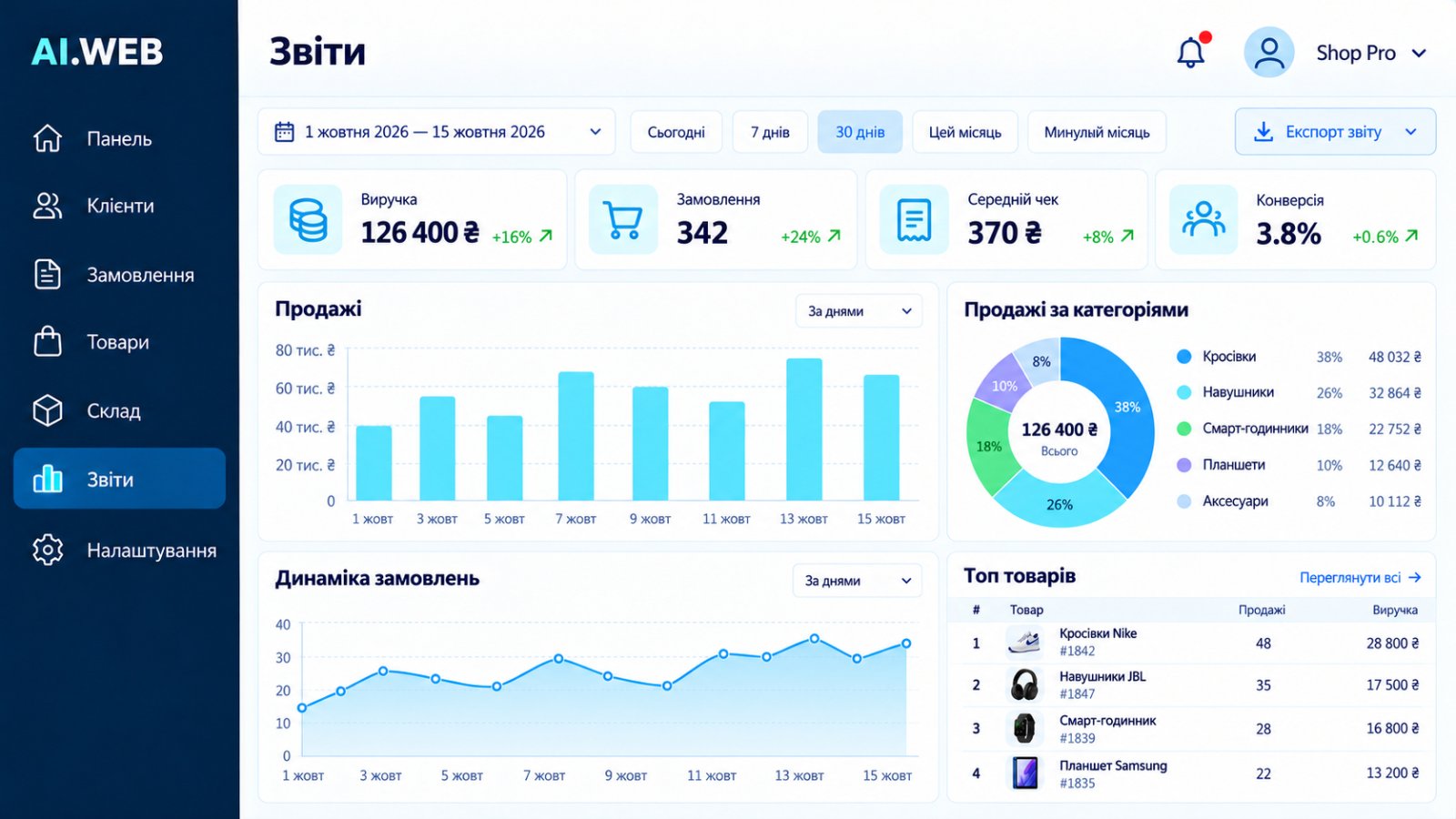
AI can use historical CRM data to assess lead quality—a process known as lead scoring.
The system might consider inquiry source, customer characteristics, past interactions, and outcomes from similar deals.
In Salesforce Einstein Lead Scoring, machine learning identifies patterns in past conversions and ranks current opportunities accordingly.
However, a high score doesn't guarantee a close, and a low score shouldn't trigger automatic rejection.
Key Insight: For smaller organizations with limited sales history, simple prioritization rules often prove more useful initially: urgency, stated budget, inquiry specificity, and purchase readiness. Reserve sophisticated predictive models for when you have sufficient historical data quality.
4. Call and Meeting Analysis
When CRM integrates with phone systems or video conferencing platforms and calls are available for processing, AI can automatically generate call summaries.
Post-call, the system might extract customer needs, objections raised, agreed-upon terms, and action items.
Salesforce Einstein Conversation Insights supports call summary generation, next-step identification, and conversation topic analysis.
For businesses, this can reduce manual CRM data entry after customer interactions. However, technical integration, adequate recording quality, and proper legal basis for call processing are required.
AI Capabilities That Benefit Sales Leaders
Deal Health Visibility and Exception Management
Leaders need more than total pipeline value—they need visibility into why specific deals might stall.
AI analytics can identify deals without recent activity, customer inquiries pending response, or transactions lacking defined next steps.
A leader might query: "Show me deals in final stage with no communication in the last seven days."
Basic CRM filters handle date-based searches. AI adds value by summarizing underlying causes, analyzing notes, and recommending actions.
In Microsoft Dynamics 365 Sales, Copilot can generate deal summaries incorporating expected revenue, contacts, products, and competitive information when available.
Sales Team Performance Analytics
Traditional CRM reports show activity counts, closed deals, completed activities, and conversion rates.
AI can augment these metrics with narrative context: which metrics shifted, where deviations occurred, and what warrants investigation.
If conversion drops, AI might highlight changes in lead composition, processing time differences, or rejection patterns. However, AI analysis alone can't pinpoint the root cause of sales decline.
HubSpot Breeze Assistant documents capabilities for summarizing CRM data and reports while answering follow-up questions about performance metrics.
Revenue Forecasting
Accurate forecasts support procurement planning, resource allocation, budgeting, and cash flow management.
AI analyzes closed deal history, current pipeline stage progression, and available metrics. However, the result remains a forecast, not guaranteed future revenue.
Exercise particular caution with seasonal businesses, market volatility, new product launches, or periods when historical data poorly reflects current conditions.
How AI Operates Within Your CRM
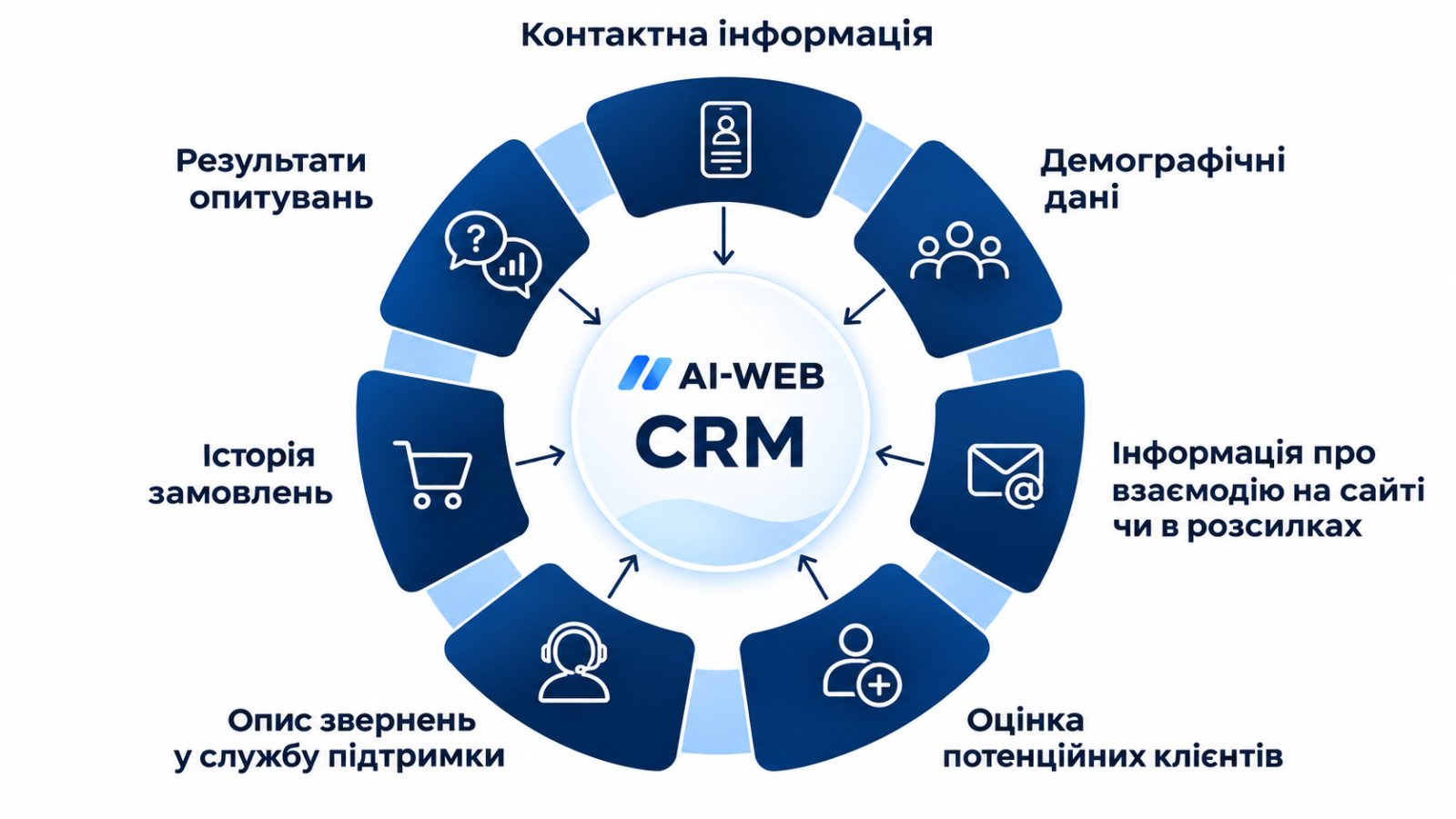
An AI module receives authorized CRM data, processes it according to the defined task, and returns results to the user or system component.
Different technologies apply depending on the task.
Generative AI works with text: drafting messages, summarizing correspondence, answering questions about available documents.
Machine learning identifies statistical patterns and can assess conversion probability or predict performance metrics.
Rules-based automation executes defined actions: creating tasks, updating statuses, sending reminders. This doesn't necessarily involve AI.
A practical example of ticket processing:
- Customer submits inquiry via website, which routes to CRM.
- System registers contact and creates ticket.
- AI analyzes text and suggests appropriate category.
- CRM assigns owner based on configured rules.
- AI drafts response for manager review.
- Manager verifies information and proceeds with handling.
This is an illustrative scenario, not a description of any specific platform's functionality.
Success requires CRM access to necessary information sources and proper technical configuration of AI-data interactions.
Which Organizations Should Implement CRM AI
Not every business requires the same level of AI capability.
| Business Type | Most Valuable Use Cases |
|---|---|
| E-commerce | Response drafting, inquiry classification, order summaries |
| Service centers and repair shops | Issue description analysis, ticket summaries, agent assistance |
| B2B sales teams | Call analysis, lead scoring, proposal generation |
| Real estate agencies | Client requirement summaries, matching properties to criteria |
| Service-based companies | Ticket classification, complaint root-cause analysis, response drafting |
| Manufacturing and wholesale | Quote request analysis, proposal drafting, complex deal tracking |
These represent recommended applications, not features automatically available in every CRM.
If your company receives a handful of similar inquiries daily, complex AI may not justify the cost. High-volume document and email processing, however, creates stronger ROI potential.
CRM AI Implementation Costs
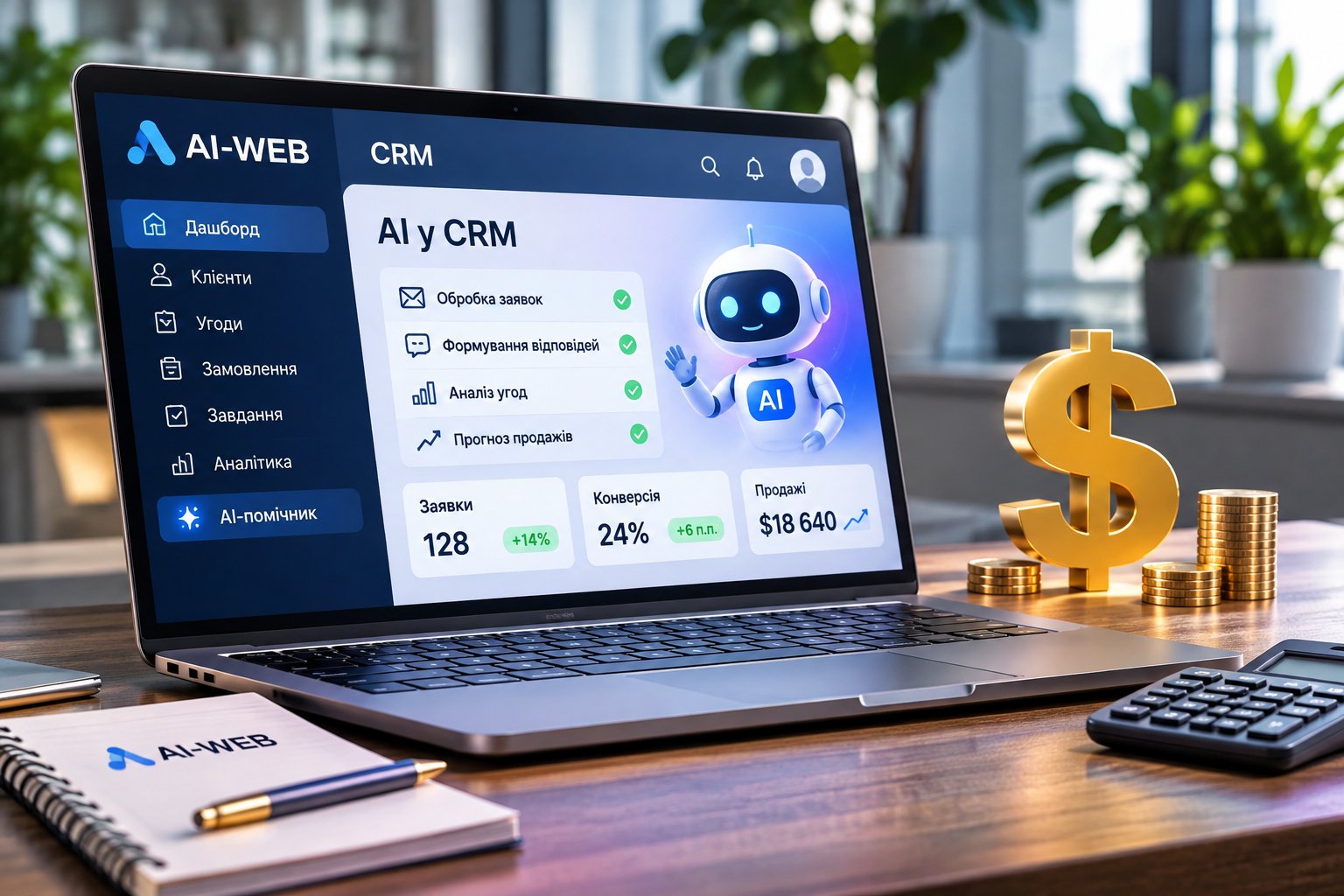
Expense extends beyond the AI model itself. Consider the entire system.
Key cost components:
- CRM platform. Licensing, subscription, or internal system maintenance.
- AI capabilities. May be included in tier pricing, charged separately, or require external API integration.
- Integrations. Email, phone systems, document management, and other data sources.
- Configuration. Data preparation, workflow design, permissions, and validation protocols.
- Ongoing support. Quality assurance, updates, and troubleshooting.
For external AI models, costs typically depend on token consumption—units of text the model receives and generates.
According to OpenAI API pricing verified November 13, 2026, standard processing with GPT-6 Luna costs $0.10 per 1M input tokens and $0.50 per 1M output tokens.
Illustrative calculation: Suppose your system processes 10,000 inquiries monthly, averaging 2,000 input tokens and 500 output tokens per request:
- Input tokens: 20M × $0.10 = $2.
- Output tokens: 5M × $0.50 = $2.50.
- Total: $4.50 for model queries.
This covers only token processing under these conditions. It excludes development, integration, data storage, additional tools, retries, taxes, and support. Pricing may change.
Key Point: Low per-query AI costs don't guarantee affordable implementation. For small organizations, configuration, integration, and system maintenance often represent the largest expenses.
Critical Limitations to Consider
AI Makes Mistakes
Language models can generate convincing but inaccurate responses. They might misinterpret correspondence, overlook contract terms, or suggest actions your company hasn't authorized.
Critical decisions involving pricing, returns, financial obligations, or contractual matters require human review before execution.
Output Quality Depends on CRM Data Quality
If managers skip call logging, neglect status updates, and leave customer records incomplete, AI cannot reliably reconstruct missing facts.
Clearly distinguish between verified CRM data and AI-generated inferences.
Data Privacy Requires Separate Evaluation
Before connecting external AI services, verify what customer data transfers, where processing occurs, retention periods, and access controls.
Organizations handling personal data of EU residents must address GDPR compliance. Specifically, GDPR Article 22 restricts certain decisions made exclusively through automated processing that produce legal or similarly significant effects on individuals.
Feature Availability Varies by Tier
An AI module name doesn't guarantee access to all promoted capabilities. Some features require separate licensing, special configuration, or support only specific record types and languages.
Validate the exact scenario, not just product marketing claims.
Common Implementation Mistakes
The first mistake is attempting to automate everything simultaneously. Teams deploy chatbots, sales forecasting, call analysis, and automated task creation without validating each process's quality.
The second mistake grants AI unlimited authority. For example, permitting autonomous discount adjustments or critical order modifications.
The third mistake measures success by text volume generated rather than actual business value.
What matters: ticket handling speed, response accuracy, error rates, team workload reduction, and support costs.
Validating AI Effectiveness Before Scale
Start with one process that already has measurable metrics.
- Select a process. For example, response drafting for common inquiries.
- Establish baseline metrics. Average handling time, revision frequency, labor cost.
- Run a controlled pilot. Deploy AI on a defined ticket subset with manager oversight.
- Compare results. Measure time savings, accuracy, and additional costs.
- Make decision. Scale, modify, or discontinue.
Illustrative example: Five managers handle 20 inquiries daily. If AI saves two minutes per ticket, monthly savings (22 workdays) equals approximately 73 hours.
This represents the math, not confirmed implementation results. Actual savings require measuring response review time.
Selecting a CRM With AI Automation Capability
First assess the CRM itself: usability for managing contacts, tickets, orders, tasks, and reporting.
Then evaluate AI scenario availability, data accessibility, integration options, permission controls, and total cost of ownership.
For organizations with custom workflows, pre-built platforms adapted to your specific processes represent one option. For example, AI-WEB offers proprietary CRM systems for business with customization for your company's operations. Specific AI requirements and integrations require separate assessment.
Recommended AI Features to Implement First
For most small sales teams, three areas offer immediate value: intelligent response drafting, conversation summarization, and open deal analysis assistance.
These tools help managers reduce routine work while providing leadership with clearer deal context for pipeline management.
Reserve predictive conversion models, risk assessment, and advanced AI agents for later phases, once CRM contains sufficient quality data and core processes operate reliably.
Selection principle: Prioritize specific business problems each AI feature solves and your ability to measure results—not feature count.
Platform capabilities, documentation, and pricing verified as of November 13, 2026. Actual feature availability depends on product version, licensing tier, region, and configuration.