


For your website to appear in ChatGPT and Google AI search results, you need to ensure search bots can access your content, publish clear and reliable information, and verify your company details. There's no single button that guarantees AI recommendations, but preparation should start with a technical audit and review of your key pages.
This matters for companies whose customers research products, services, and vendors online. As a business owner, you want potential buyers to find your offering, understand the terms, and verify your expertise.
These recommendations and search bot guidelines are based on official documentation as of November 8, 2024.
How ChatGPT Search Differs from Google AI
ChatGPT's search feature can find web pages and use them as sources for answers. OpenAI uses OAI-SearchBot to crawl the web. A separate bot called GPTBot handles data collection for model training. You can configure permissions for each independently—allowing search crawling while blocking use for training, or vice versa.
Google focuses primarily on AI Overviews and AI Mode. According to Google's documentation, for your page to appear as a source in these features, it must be indexed and suitable for display in standard search results with snippets. Meeting the requirements doesn't guarantee inclusion in AI responses.
The practical takeaway for your business: improving AI visibility builds heavily on solid SEO and site quality fundamentals. At the same time, you'll need to verify access for different bot types separately.
Start by Verifying Your Site is Accessible
Even the most thorough content won't help if search engines can't reach it or your server returns security checks instead of page content.
Google's basic technical requirements include Googlebot accessibility, HTTP 200 server responses, and indexable content. The absence of restrictions doesn't guarantee your pages will be indexed.
Check systematically in this order:
- Identify priority pages. Start with your homepage, main service pages, product categories, and important articles.
- Review your robots.txt file. Make sure the rules aren't blocking necessary sections from Googlebot or OAI-SearchBot.
- Check for indexation blocks. Look for accidental
noindexdirectives in meta tags or server headers. - Verify server protection settings. Confirm whether your hosting, CDN, or security tools are blocking these bots.
- Monitor pages in Search Console. Review indexation status and the content Google can see.
OpenAI recommends allowing OAI-SearchBot in your robots.txt and whitelisting published IP ranges. Updating robots.txt alone won't work if your server continues blocking the requests.
Allowing crawl access removes the technical barrier. Your content quality determines whether a page actually gets used as a source.
Don't open private user accounts, internal documents, or other confidential sections for AI crawling. First decide what information your company is genuinely ready to publish publicly.
Be Clear About What You Offer
Commercial pages need clarity. Vague phrases like "innovative solutions for growth" tell readers almost nothing about your product. It's far more useful to explain what system you provide, who it serves, what's included, and how pricing works.
For a CRM platform, specify whether it's a ready-made solution with customization options, which modules are available, how implementation works, and which integrations require separate approval. For an e-commerce store, include current specifications, shipping terms, payment options, and warranty details.
Recommended content for a service page includes:
- specific description of the service and expected outcome;
- common problems clients bring to you;
- scope of work and boundaries of responsibility;
- project phases and timeline;
- pricing or explanation of how costs are calculated;
- verified case studies or examples;
- answers to frequent pre-purchase questions.
This is an editorial best practice, not a guaranteed factor for appearing in AI responses. The goal is helping readers evaluate your offer without guessing.
Keep important terms and conditions in plain text. Screenshots of your interface can support your explanation, but prices, features, and limitations should also be described in words.
Add Information That Goes Beyond Generic Overviews
Google recommends creating content with original research, analysis, and added value. The self-check questions include topic coverage depth, source reliability, and clear authorship.
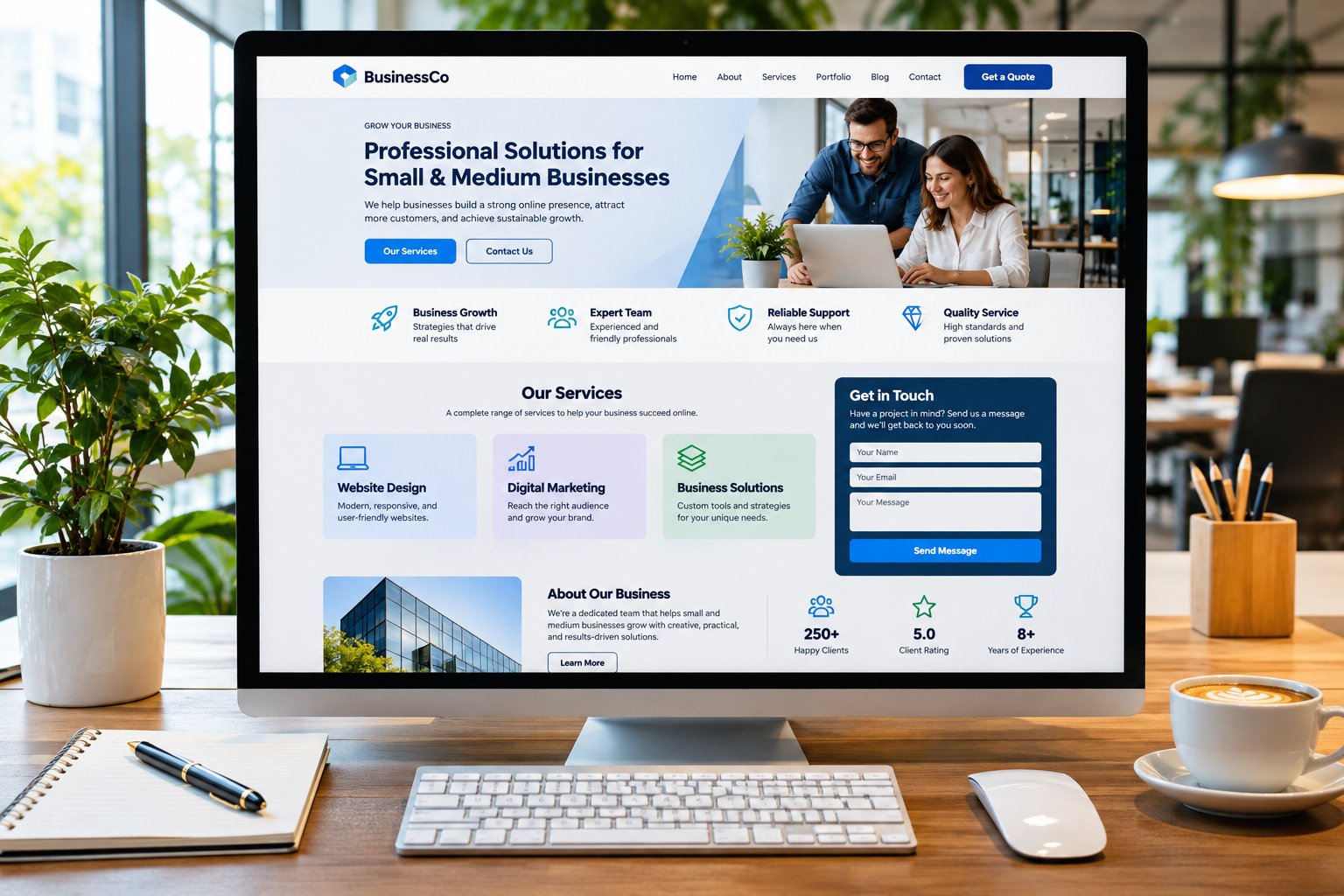
For your business, this is a chance to leverage real experience. Instead of another "What is a CRM" article, show how an order moves from inquiry to payment, what data your managers need, and where mistakes typically happen.
When publishing a case study, explain the starting situation, work completed, measurement period, and results. Without verified metrics, describe the process and changes made. Label any illustrative calculations as such.
For service articles, include dates when you verified current capabilities. For pricing content, explain what's included in the price. For comparisons, name the criteria you're using.
Content becomes more valuable when it helps readers make a specific decision: choose a configuration, estimate a budget, or avoid a mistake.
Keep Your Company Information Consistent
Verify that your brand name, contact details, and service areas match across your website and external profiles. If your company changed names, explain the connection between the old and new name on your company page.
We recommend attributing expert content to authors and linking their profiles to verified work. Links to demonstrable projects and a clear description of the contributor's role help readers assess expertise. A name or client logos alone don't prove work quality.
Structured data can help Google understand your page content. Choose the right markup type and verify it's correctly formatted. Markup doesn't guarantee even rich snippets in regular search.
For Google's AI features, special schema.org markup or separate AI-specific files aren't required. Don't start there while leaving site accessibility and page quality issues unresolved.
How to Measure Results
We recommend combining technical audits with analytics tracking. Simply appearing in an AI response doesn't show impact on sales.
| What to Monitor | Why It Matters |
|---|---|
| Indexation of key pages | To identify technical barriers |
| Visibility for target search queries | To track changes using consistent methods |
| Traffic from accessible sources | To measure incoming visits you're generating |
| Inquiries and their quality | To connect your work to business outcomes |
For manual monitoring, prepare a small set of real customer search queries. Track the date, phrasing, relevant service, whether your site appears, and whether your company description is accurate. Use these findings as observations, not as definitive market share data.
According to Google's verified documentation, traffic from AI features is reflected in your overall organic search metrics in Search Console. So general organic traffic growth shouldn't automatically be attributed only to AI responses.
What Determines Preparation Costs
Your budget depends on your site's current state. A small website might only need to fix access blocks and improve key pages. A large catalog requires checking templates, filters, duplicates, and data freshness.
Technical changes, content development, case study formatting, analytics setup, and ongoing updates are priced separately. Ask your service provider to describe specific tasks and how they'll verify results.
Within an SEO optimization program, preparing for AI search makes sense as part of your overall strategy: remove access barriers first, then improve priority pages, then set up measurement.
Start with a few pages representing your main services or products. Verify they're accessible, information is accurate, and they answer what buyers typically ask. After that, expand work to other sections based on problems you've found and what the audits reveal.